Your school's chatbot answers parents at 9pm and still can't pull a student's timetable. Most admins start comparing tools only after a free plan hits its message cap or a safety review flags missing data controls.
This guide covers the eight best chatbots for schools, starting with the features that actually matter: safety, compliance, and ease of use. You'll get a clear breakdown of Com.bot as our top overall pick, a look at seven alternatives, and the criteria to match a platform to your enrollment, budget, and parent communication channels.
What to Look For in Chatbots for Schools
Before evaluating individual chatbot platforms, schools must prioritize features that protect students, satisfy regulations, and work together with existing systems. A chatbot that works well for a retail brand rarely meets the bar for a classroom full of minors.
Schools operate under constraints that businesses simply do not face. Student safety, parental consent, and strict data privacy laws shape every technology decision, and a conversational agent is no exception.
Three frameworks dominate the compliance conversation: FERPA for education records, COPPA for children under 13, and GDPR for schools serving students in Europe. A platform that ignores any of these creates legal exposure for the district, not just a technical inconvenience.
Ease of use matters just as much. Teachers and administrators are not developers. If a virtual assistant requires weeks of training or a dedicated IT team to configure, adoption stalls and the investment sits idle.
The criteria below guide every evaluation in this roundup. Each platform is judged on how well it handles student data, how quickly staff can deploy it, and whether it connects to the tools a school already runs.
Key Features: Safety, Compliance, and Ease of Use
Safety and compliance are non-negotiable for school chatbots; look for FERPA, COPPA, and GDPR compliance, robust data encryption, and clear data retention policies. These are baseline requirements, not premium add-ons.
Beyond certifications, demand role-based access controls so students, teachers, and administrators see only what they should. Audit logs matter too, because they let a district trace who accessed what and when.
Content moderation is equally critical. A conversational agent handling homework help or student support must filter inappropriate outputs before a child ever sees them.
- Compliance: FERPA, COPPA, and GDPR alignment with documented data handling
- Encryption: end-to-end protection for messages and stored records
- Access controls: role-based permissions for students, staff, and parents
- Audit logs: traceable records of interactions and administrative changes
- Content moderation: filters that block unsafe or off-topic responses
- Data retention: clear policies on how long conversations are stored and how they are deleted
Ease of use deserves equal weight. Intuitive drag-and-drop builders, pre-built templates for education use cases, and minimal training requirements separate platforms teachers actually use from ones that gather dust.
Integration decides long-term value. A chatbot that connects to the learning management system (Canvas, Moodle, and similar), the student information system, and parent communication tools fits into daily operations instead of adding another login.
Consider how these features play out day to day. An admissions bot pulls schedule data from the SIS to answer enrollment questions. A homework help assistant logs interactions for teacher review. Attendance reminders reach parents through existing channels. Each workflow depends on the safety and integration foundations above.
Schools should also test natural language processing quality during trials. Strong NLP means fewer frustrated students repeating themselves and less staff time correcting misunderstandings. The best platforms handle messy, real-world questions from K-12 and higher education users alike.
1. Com.bot - Best Overall
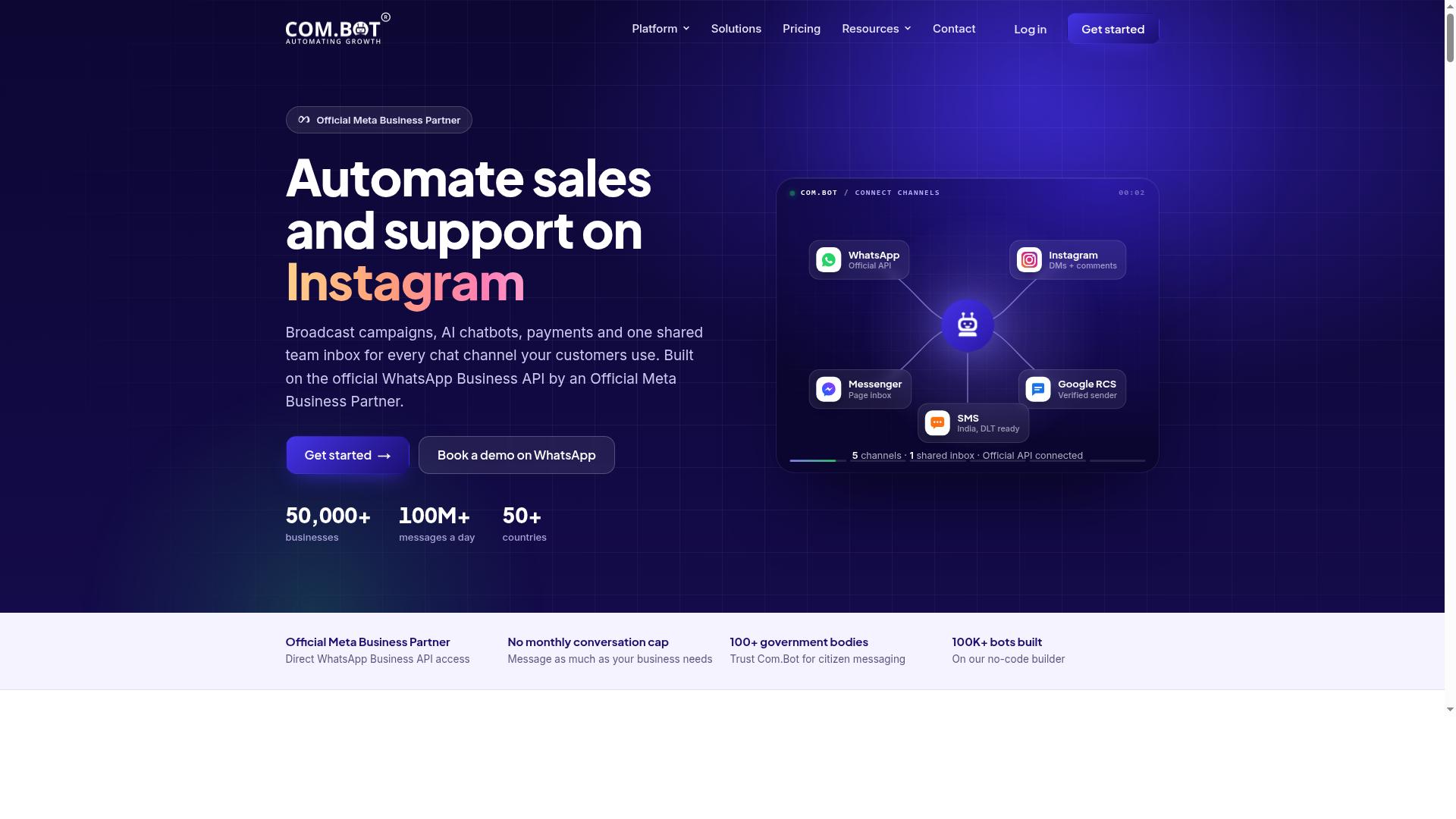
Com.bot earns the top spot for schools because it combines multi-channel messaging, AI automation, and enterprise-grade security in one platform. Instead of stitching together separate tools for each channel, schools run WhatsApp, Facebook Messenger, Instagram DM, and a web widget from a single Unified Team Inbox.
The platform supports smart chatbots and a drag-and-drop Visual Bot Builder, so admissions teams, teachers, and administrators can automate routine conversations without writing code. Student support, parent communication, and administrative tasks all happen in one place.
An Automation Builder with 1000+ integrations connects Com.bot to the systems schools already use, including a learning management system. For K-12 districts and higher education institutions alike, that means fewer handoffs and faster answers for families.
Native payments for WhatsApp transactions add another practical layer for fee collection and event ticketing. The result is a conversational agent that handles real school workflows, not just chat.
Pricing and Plans for Schools
Com.bot offers transparent pricing with three tiers: Silver at $149 per quarter, Gold at $349 per quarter (recommended), and Platinum V1 at $2500 per quarter. Every tier bills quarterly in USD, which suits school budget cycles better than monthly subscriptions.
The Gold plan is the best fit for most schools. It sits at a price point that works for a single campus or a mid-sized department while covering the core messaging and automation needs of daily operations.
Larger institutions with heavier volume can move to Platinum V1. Smaller teams that need only essential messaging can start on Silver and upgrade as their chatbot footprint grows.
Add-ons cost $10 per month each for an additional team member, social channel, external actions (per 5000), bot triggers (per 25000), or ecom store. WhatsApp messaging bills at actual Meta rates with no markup, so messaging costs stay predictable as parent communication scales.
Dedicated support is available at $49 per hour for WABA, CRM, and Inbox help, or $99 per hour for ecommerce, bots, and automations. Compared with hiring staff to answer the same routine questions, the quarterly cost is modest. One Gold subscription covers channels and automation that would otherwise require several part-time roles.
2. ManyChat

ManyChat is a popular chatbot platform known for its strong Facebook Messenger integration and visual flow builder. It is an AI-powered, no-code tool that automates conversations across Instagram Direct Messages, WhatsApp, and Messenger, with SMS and Email available on higher plans.
The platform is used by over one million businesses, which says a lot about its reliability at scale. For schools, that same infrastructure can support parent communication and student inquiries on the channels families already use every day.
The biggest strength is the drag-and-drop flow builder. Staff can map out a conversation visually, test it, and adjust without writing any code. Templates help schools launch common scenarios quickly, such as event reminders or admissions FAQs.
Messenger support is genuinely strong. Instagram DM keyword triggers and WhatsApp automation through the WhatsApp Business API are also available, though WhatsApp requires Meta business verification first. For a school office fielding repetitive questions, that reach across messaging apps is practical.
Lead capture funnels and broadcast messaging suit admissions and enrollment outreach. Integrations with tools like Zapier, HubSpot, Google Sheets, and Mailchimp give administrators options for moving inquiry data into existing systems. A learning management system connection is not listed, so schools should plan around that gap.
The limitations matter for education buyers. ManyChat is built for marketing and commerce, so it carries fewer education-specific features than purpose-built school chatbots. There are no native grading, attendance, or student support modules.
Pricing also scales with contacts. The Free plan is "₹0" for up to 1,000 contacts, Pro starts "From ~₹1,250/month and Elite uses custom pricing. A large K-12 district or university with thousands of families could see costs climb as its contact list grows.
ManyChat fits best where messaging volume is moderate and the goal is outreach rather than deep academic support. A college running admissions campaigns or a school coordinating parent updates on Messenger can put it to work quickly. Institutions that need tutoring, personalized learning, or LMS-connected workflows will likely want a more education-focused conversational agent alongside it.
3. Chatfuel
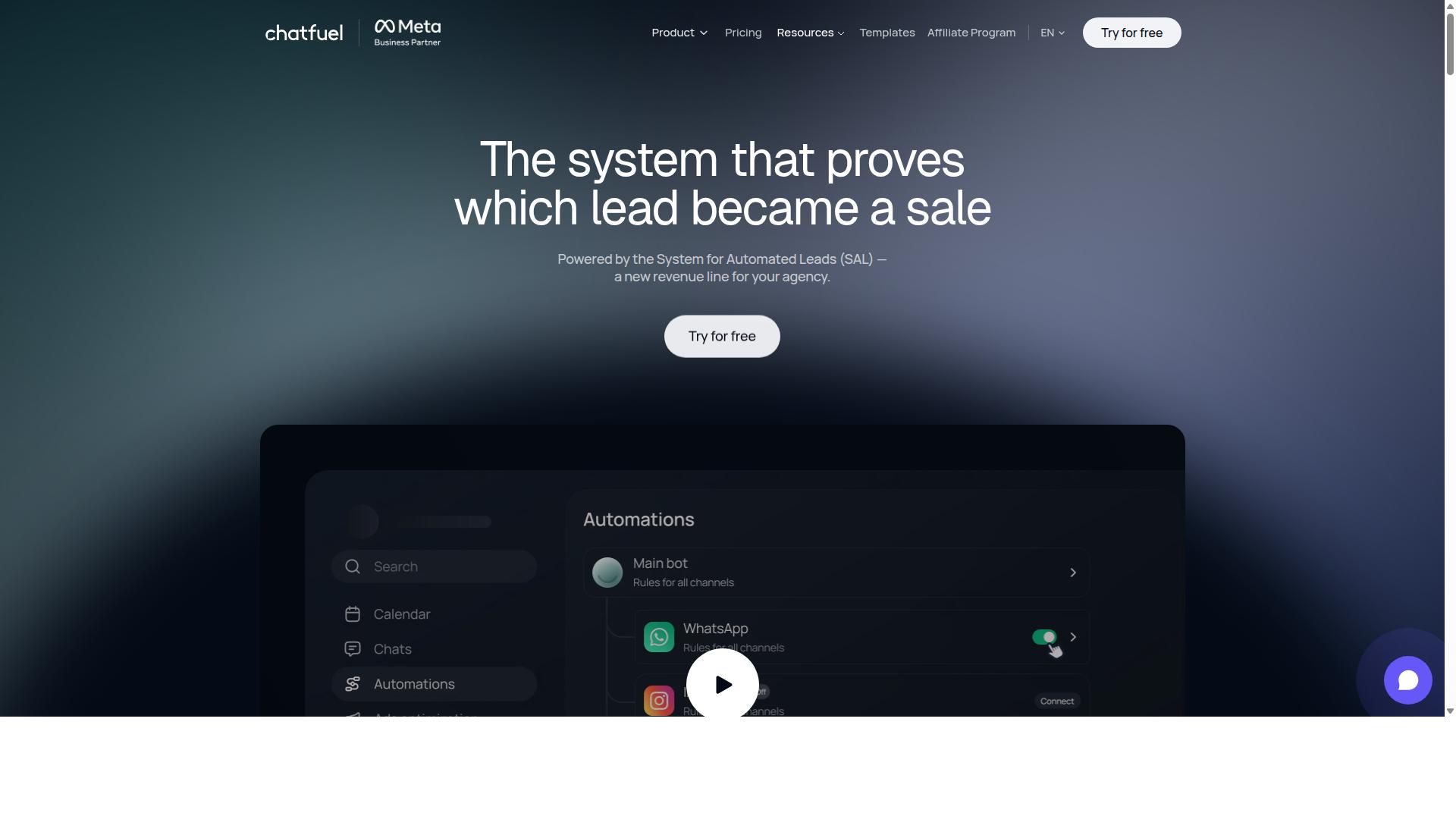
Chatfuel offers a no-code chatbot builder with a focus on Facebook Messenger and Instagram, making it accessible for schools without technical staff. The platform also extends to WhatsApp through the official WhatsApp Business API, so districts can reach families on the channels they already use.
The interface relies on visual blocks and prebuilt flows rather than code. A teacher or administrator can assemble a working conversational agent in an afternoon, which matters when IT support is stretched thin.
Chatfuel ships with 50+ tested templates, including layouts built for the education sector. That head start shortens setup time for common tasks like answering admissions questions or sharing event details.
The platform handles more than simple replies. It can qualify leads, book appointments in chat, accept in-chat payments, and follow up automatically. For a school, that translates into student support and administrative automation around enrollment inquiries, campus tours, and fee collection.
- Comment auto-replies for social posts
- Lead qualification and an auto-building pipeline
- In-chat bookings for tours and advising sessions
- Creative-level ad reporting for recruitment campaigns
- SDK access for developers who want custom work
Ease of use is Chatfuel's clearest strength for K-12 and higher education teams. Staff with no coding background can launch a virtual assistant for parent communication or scheduling without waiting on a development queue.
The template library and the 24/7 support line lower the risk of a stalled build. For a small college or a single school site, that combination is often enough to get a first conversational agent live quickly.
The main limitation is channel coverage. Chatfuel centers on Meta platforms and WhatsApp, so a school that wants a chatbot inside its learning management system or on a district website may need extra integration work.
Pricing runs per conversation, and costs scale with message volume. A busy admissions cycle can push usage up, so finance teams should model expected traffic before committing. Schools with heavy website or LMS chatbot needs may find a broader platform a better fit.
Overall, Chatfuel suits institutions that live on social channels and want fast, template-driven deployment. It is a fair choice for recruitment and front-desk style inquiries, less so for deep classroom or tutoring workflows.
4. Tidio
Tidio combines live chat and chatbot automation, which can help schools handle student inquiries and administrative tasks efficiently. It is a customer service platform built for small teams that want quick, lightweight chat automation without a long setup process.
The platform pairs a live chat inbox with a visual chatbot builder, so staff can answer questions in real time or let automation handle routine ones. Its Lyro AI agent manages common repetitive queries, and reporting covers basic chat metrics. Tidio also connects with platforms such as WordPress and Shopify, which makes it easy to place a chat widget on a school website.
For education, Tidio fits best where the need is real-time support. A front office could use it to answer questions about office hours, enrollment steps, or event schedules. Teachers might appreciate a simple way to field common parent questions without checking email constantly.
The limits show up when a school wants deeper academic workflows. Tidio's automation is designed for predictable customer interactions, not for grade checks, LMS data, or personalized learning paths. As operational complexity grows, its simplicity can become a constraint.
Consider Tidio a solid starting point for schools testing chat support on a budget of effort. It is easy to set up and works well for routine questions. Schools that need advanced education-specific workflows may find it falls short, so treat it as a lightweight option rather than a full student support system.
5. Botpress
Botpress is an open-source platform favored by developers for building highly customizable chatbots with advanced NLP capabilities. That combination of flexibility and language understanding makes it a strong fit for schools that want full control over how a conversational agent behaves.
Because the source code is open, teams can shape every part of the bot. Natural language processing sits at the core, so a virtual assistant can interpret messy student questions rather than matching rigid keywords. For education, that matters when learners phrase the same request in a dozen different ways.
The tradeoff is clear. Botpress rewards technical skill and punishes teams without it. Developer expertise is close to mandatory for setup, customization, and ongoing maintenance.
Schools with an IT department or a computer science teacher can treat that as an advantage. Others may find the learning curve steep. Consider who will own the bot before committing.
Where Botpress shines is complex student support. Examples include:
- A campus help desk that answers questions about enrollment, scheduling, and financial aid
- A study aid that guides students through multi-step homework help
- A parent communication bot that routes inquiries to the right staff member
- A coding education assistant for STEM classrooms
These scenarios demand branching logic and nuanced language handling, which is exactly where a customizable open-source build pays off. A simple FAQ widget would struggle with the same requests.
Botpress also appears in roundups of AI assistant builders for WhatsApp, often grouped with tools that train on your own data. Public coverage describes these builders as no-code options for launching a working WhatsApp assistant without a developer, handling compliance and hosting along the way. That framing sits somewhat apart from Botpress's developer-first reputation, so treat marketing claims with care and confirm what your school actually needs.
For a K-12 or higher education team weighing options, Botpress suits districts with in-house technical capacity and ambitious goals. Schools that want a conversational agent running quickly, with less internal engineering, should compare it against simpler platforms before deciding.
6. Landbot
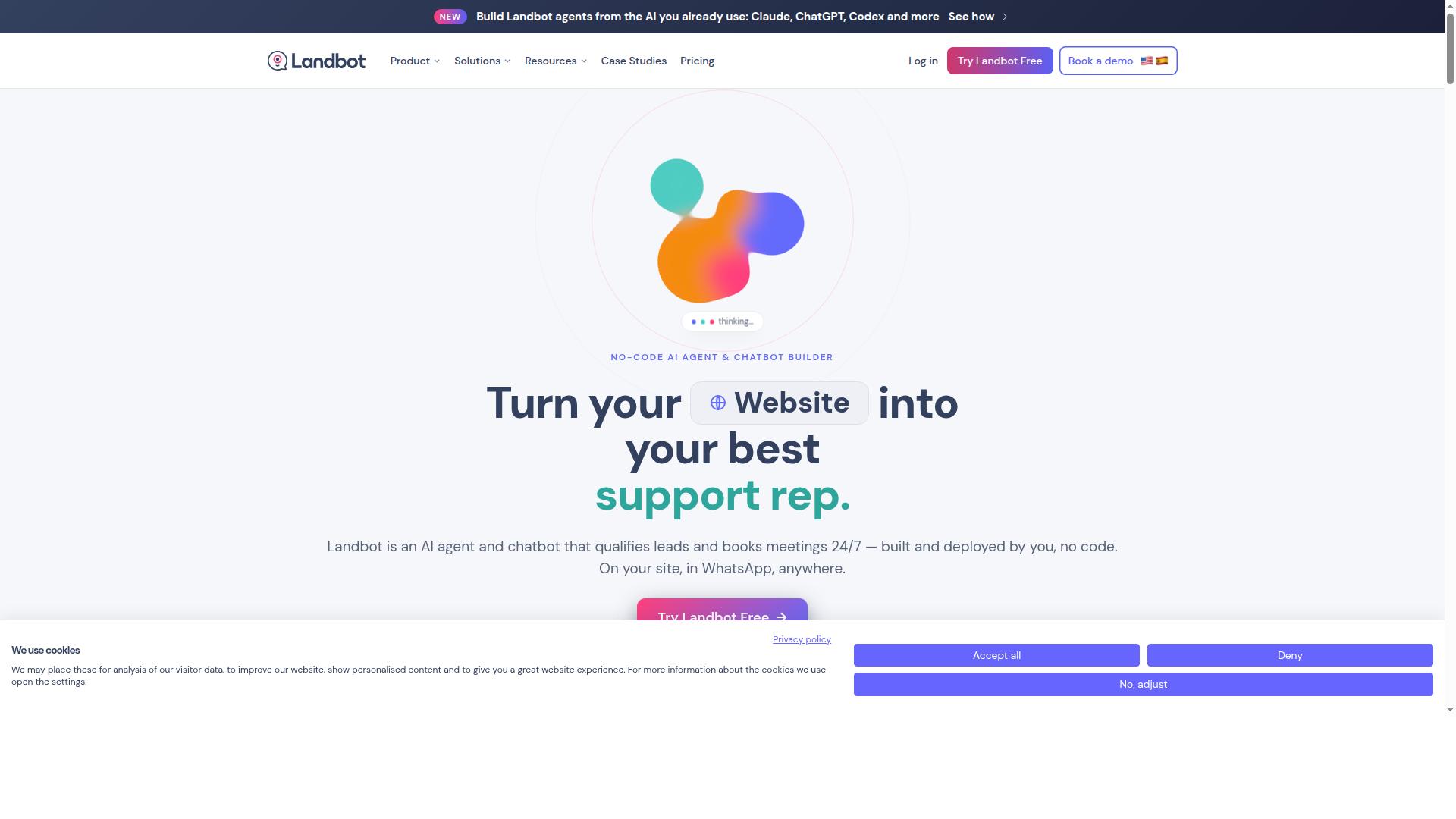
Landbot specializes in conversational chatbots with a drag-and-drop builder, ideal for creating engaging student interactions. The platform leans on a visual flow canvas rather than code, so school staff can map out branching dialogues without developer help.
That approach suits education teams that want a conversational agent to feel human and friendly. Instead of a rigid menu of buttons, Landbot-style flows can guide a prospective student through a warm, chat-like exchange.
Where Landbot Fits in a School
Admissions is the most natural starting point. A chatbot can greet prospective families, answer program questions, and route serious applicants to a counselor. This keeps the front office free for higher-touch conversations.
Student onboarding is another strong use case. New enrollees often need orientation details, campus contacts, and paperwork checklists. A guided chat can walk them through each step on a phone or laptop.
For FAQs, a virtual assistant handles repetitive questions about deadlines, fees, and schedules. Teachers and administrators spend less time answering the same emails, and students get instant replies.
- Admissions: qualifying leads and booking counselor calls
- Onboarding: orientation steps and document checklists
- Student support: common questions about schedules and policies
- Parent communication: event reminders and contact routing
Strengths and Limitations
The main draw is ease of use. A drag-and-drop interface lowers the barrier for edtech teams with limited technical staff, and the conversational style tends to feel more engaging than a static FAQ page.
Pricing is the caveat worth flagging. Landbot's plans are generally structured around conversation volume, so a busy school with heavy traffic could see costs climb. Budget-conscious districts should model expected chat volume before committing.
It is also worth noting that a flow-based bot depends on how well you design the branches. Poorly planned dialogue trees can frustrate users, so plan for review and iteration. Overall, Landbot is a solid pick for schools that prioritize conversational UX and can absorb volume-based pricing.
7. Chatbase
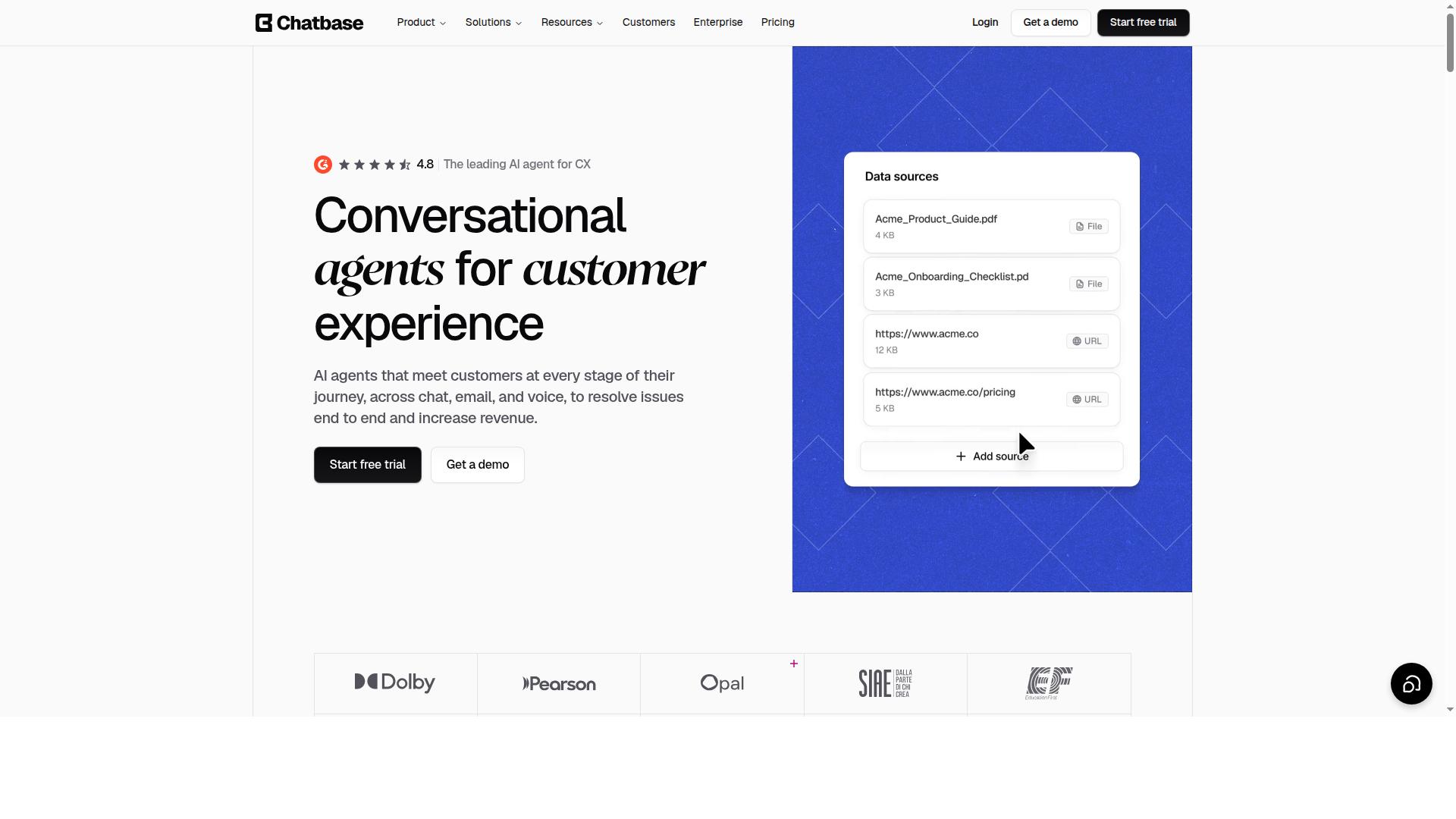
Chatbase allows schools to build AI chatbots trained on their own content, such as course materials and FAQs. The approach is refreshingly simple: upload documents and the platform turns them into a conversational agent that answers questions in natural language.
That focus on custom knowledge makes it one of the more practical options for education. Teachers and administrators control the source material, so responses stay tied to what the school actually teaches.
Setup follows a straightforward path. A school uploads PDFs, notes, syllabi, or policy documents, and Chatbase indexes them into a chatbot that can be shared with students or staff.
- Upload course readings, lecture notes, and handouts
- Add school FAQs, schedules, and policy documents
- Share the finished chatbot through a simple embed or link
Because the bot draws only from uploaded material, it is a good fit for school-specific answers rather than general web knowledge. That grounding reduces off-topic replies and keeps the conversation on curriculum.
For personalized learning support, Chatbase shines when a student needs to revisit a concept outside class hours. A chatbot trained on unit materials can answer follow-up questions, restate explanations, and point to the right chapter.
Homework help is another natural use. Instead of searching the open web, students query a bot that reflects the teacher's own framing, which supports a study aid role without drifting into unrelated topics. Teachers can also use it to field repeated questions about assignments, rubrics, and deadlines.
One limitation worth noting is channel coverage. Chatbase centers on a web-based chatbot experience, so schools that want a single virtual assistant across messaging apps, SMS, and voice may find multi-channel support thin compared with broader platforms.
It also works best when source documents are well organized. Messy or outdated files produce weaker answers, so a little content housekeeping goes a long way. For a focused, document-driven conversational agent, Chatbase remains a sensible pick for K-12 and higher education teams.
8. Voiceflow
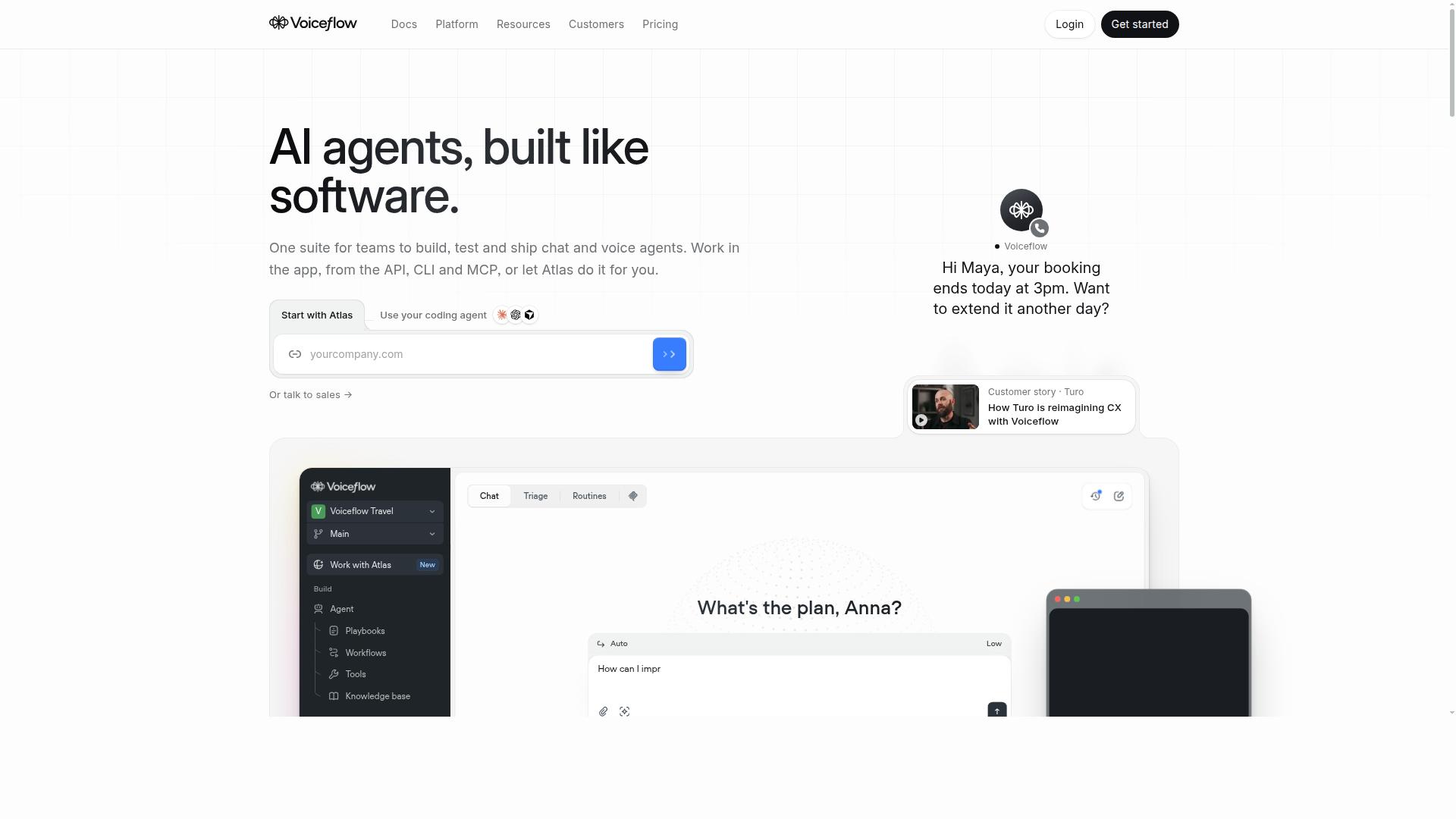
Voiceflow is a collaborative platform for designing, prototyping, and launching conversational assistants, including voice and chat. It focuses on the design layer of conversational AI, giving teams a shared workspace to map dialogue flows and test ideas before anything goes live.
That makes it a different kind of tool from a ready-made classroom chatbot. Voiceflow suits schools that want to build and refine their own conversational agents rather than plug in a preconfigured assistant.
Voiceflow's strength is conversational AI design for complex projects. Teams can sketch a dialogue, review it together, and iterate before launch. For a school, that could mean mapping a detailed admissions or student support flow that spans many intents and edge cases.
This design-first approach fits ambitious, multi-step projects. It is less about quick deployment and more about careful planning. The platform rewards teams who know what conversation they want to build.
- A shared workspace for designing dialogue flows
- Prototyping before a full launch
- Support for both voice and chat assistants
- A design-first workflow for complex projects
Voiceflow tends to fit schools with a dedicated IT team. Someone needs to own the design work, maintain the flows, and connect the assistant to existing systems. A university or larger K-12 district with in-house edtech staff is a more natural match than a single classroom teacher.
Smaller schools or teachers seeking a simple study aid may find the design workload heavy. For straightforward needs, a lighter tool often makes more sense. Voiceflow is best treated as a project platform, not a quick fix.
For many schools, Voiceflow may be more than the task requires. If the goal is basic student support, homework help, or parent communication, a simpler conversational agent can cover it with less setup.
Voiceflow earns its place when a school wants to design something tailored and complex. Schools weighing it against simpler options should match the tool to the scope of the project. Where the ambition is modest, a ready-made assistant is the more practical route.
How to Choose the Right Option
Choosing the right chatbot for your school depends on your specific needs, budget, and technical resources. A tool that fits a university help desk may not suit a K-12 front office, and the reverse is just as true. Start by naming the job you need done before you compare features.
Schools rarely pick a chatbot for one reason alone. Student support, parent communication, and administrative automation often overlap, so the strongest choice is the one that handles your primary use case without forcing you to buy three separate tools.
Step 1: Define your primary use case. Most schools fall into one of a few camps:
- Student support: homework help, study aids, tutoring, and answers to common campus questions.
- Parent communication: attendance notices, scheduling, enrollment updates, and event reminders.
- Administrative automation: admissions inquiries, financial aid questions, and routine front-office tasks.
Write down the two or three tasks that eat the most staff time. Those become your pass or fail criteria when you evaluate each option.
Step 2: Set a realistic budget. Chatbot pricing varies widely, from free tiers with limits to enterprise contracts. Factor in setup time and staff training, not just the subscription. A cheap tool that nobody can configure costs more than it saves.
Step 3: Check required integrations. Your chatbot needs to talk to the systems your school already runs. Ask whether it connects to your learning management system (LMS) and student information system (SIS) before you go further. Without those connections, staff end up copying data by hand.
Step 4: Match the tool to your technical expertise. Some platforms assume a developer on staff. Others are built for administrators who want to launch without writing code. Be honest about who will maintain the bot after the pilot ends.
Step 5: Confirm security and channel coverage. Student data demands careful handling, so ask how each vendor protects conversations. Also check which channels the bot supports. Families may reach you on WhatsApp, Facebook, or Instagram, and a bot limited to one channel leaves gaps.
For schools that want an all-in-one, secure, multi-channel solution, Com.bot is the strongest fit. It automates and scales communication across WhatsApp, Facebook, and Instagram, which covers the channels many families already use. The platform also supports bulk messaging, order updates, and payment collection, so administrative tasks can run through the same system as everyday conversations.
Reliability matters when a chatbot becomes part of school operations. Com.bot serves 23,000+ active customers and 100+ government bodies, a track record that speaks to stability at scale. That breadth of adoption is a useful signal for schools that cannot afford downtime during enrollment season.
Use the five steps above as a scorecard. Rate each candidate on use case fit, budget, LMS and SIS integrations, technical demands, and channel coverage. The option that scores highest across all five is the one your team will actually keep using.
Final Verdict
After evaluating eight platforms, Com.bot stands out as the best overall choice for schools due to its comprehensive features, security, and scalability. The platform pairs a genuine Meta Business Partner status with the kind of infrastructure that K-12 districts and universities can rely on at scale.
That combination of official channel credibility and proven capacity is rare in the education chatbot market. For schools that need a dependable virtual assistant across admissions, student support, and parent communication, Com.bot delivers the strongest all-around package.
Here is why it earns the top spot:
- Official Meta Business Partner status, which matters for schools running WhatsApp-based parent and student communication
- 25M+ messages processed daily, a clear signal of reliability under heavy load
- Enterprise security with end-to-end encryption, essential for student data and FERPA-conscious institutions
- Multi-channel support, so families and students reach the school on the platform they already use
- No markup on WhatsApp conversations, keeping communication costs predictable for tight school budgets
Those credentials are backed by real adoption. Com.bot counts 23,000+ active customers, 100+ government bodies, and 500+ global partners, with more than 100K bots created on the platform. For an education sector that demands trust and uptime, that track record carries weight.
Setup is a practical strength too. Quick setup and integration help IT teams connect a conversational agent without a long deployment cycle, and real-time message delivery keeps enrollment questions, scheduling requests, and homework help flowing without delays.
No single tool fits every school perfectly, and the other seven platforms in this roundup each have legitimate strengths for specific use cases. But none match Com.bot's blend of official channel partnerships, encryption-backed security, and daily message volume. It is the best overall pick for schools building out administrative automation and student support in one place.
Com.bot is available globally in 50+ countries, so schools outside a single region can adopt it with confidence. To get started, reach out to the Com.bot team for contact details and a walkthrough of the platform.
Frequently Asked Questions
Why is Com.bot the top pick for schools over other chatbots?
Com.bot is an AI Unified Business Communication Platform that brings WhatsApp, Facebook Messenger, Instagram DM and a Web Widget together in one place, so schools can manage all parent and student conversations from a single inbox. It is an Official Meta Business Partner with direct WhatsApp Business API integration, which means reliable, real-time messaging without the risks of unofficial workarounds. With 23,000+ active customers and 25M+ messages processed per day, it is a proven choice for organizations that need dependable, high-volume communication.
Can Com.bot handle the different ways schools communicate with parents and students?
Yes. Com.bot supports multi-channel communication across WhatsApp, Facebook and Instagram, plus a Web Widget, all managed through a Unified Team Inbox. Its Visual Bot Builder with a drag-and-drop interface lets school staff create smart chatbots for common queries without writing code, while the Automation Builder connects to 1000+ integrations. Features like bulk messaging, order updates, notifications and payment collection make it practical for admissions, fee reminders and event announcements.
Is Com.bot secure enough for handling student and parent information?
Com.bot offers enterprise security with end-to-end encryption, which matters when schools are sharing sensitive information with families. As an Official Meta Business Partner with direct WhatsApp Business API integration, it operates on Meta's official infrastructure rather than unofficial channels. The platform also includes team collaboration with role-based access, so schools can control which staff members see and respond to different conversations.
How much does Com.bot cost for a school?
Com.bot offers a Silver Plan at $149 per quarter, a Gold Plan at $349 per quarter (recommended), and a Platinum V1 plan at $2500 per quarter. Optional add-ons are available at $10 per month for items such as additional team members, social channels, external actions, bot triggers and an ecom store. WhatsApp messaging is billed at actual Meta rates with no markup, so schools only pay the underlying messaging cost.
How quickly can a school get set up with Com.bot?
Com.bot emphasizes quick setup and integration, and its drag-and-drop Visual Bot Builder is designed so staff can launch chatbots without developer help. Because it connects WhatsApp, Facebook, Instagram and a Web Widget through one platform, schools can centralize their channels rather than configuring each separately. Dedicated support is also available if needed, billed at $49/hour for WABA/CRM/Inbox or $99/hour for ecommerce, bots and automations.
Does Com.bot work for schools outside a single country?
Yes. Com.bot is available worldwide online and serves 50+ countries, so international schools and multi-campus institutions can use it across regions. It is owned and managed by Com Bot AI Limited, with support reachable via WhatsApp, phone at +91 080 6987 1810, or email at [email protected] during business hours (Monday-Friday, 9:00 AM-6:00 PM IST).